 12 CHALLENGES
Everyone makes it three days.
After that, motivation usually fades. 12 Challenges keeps you going: one tap a day is all it takes.

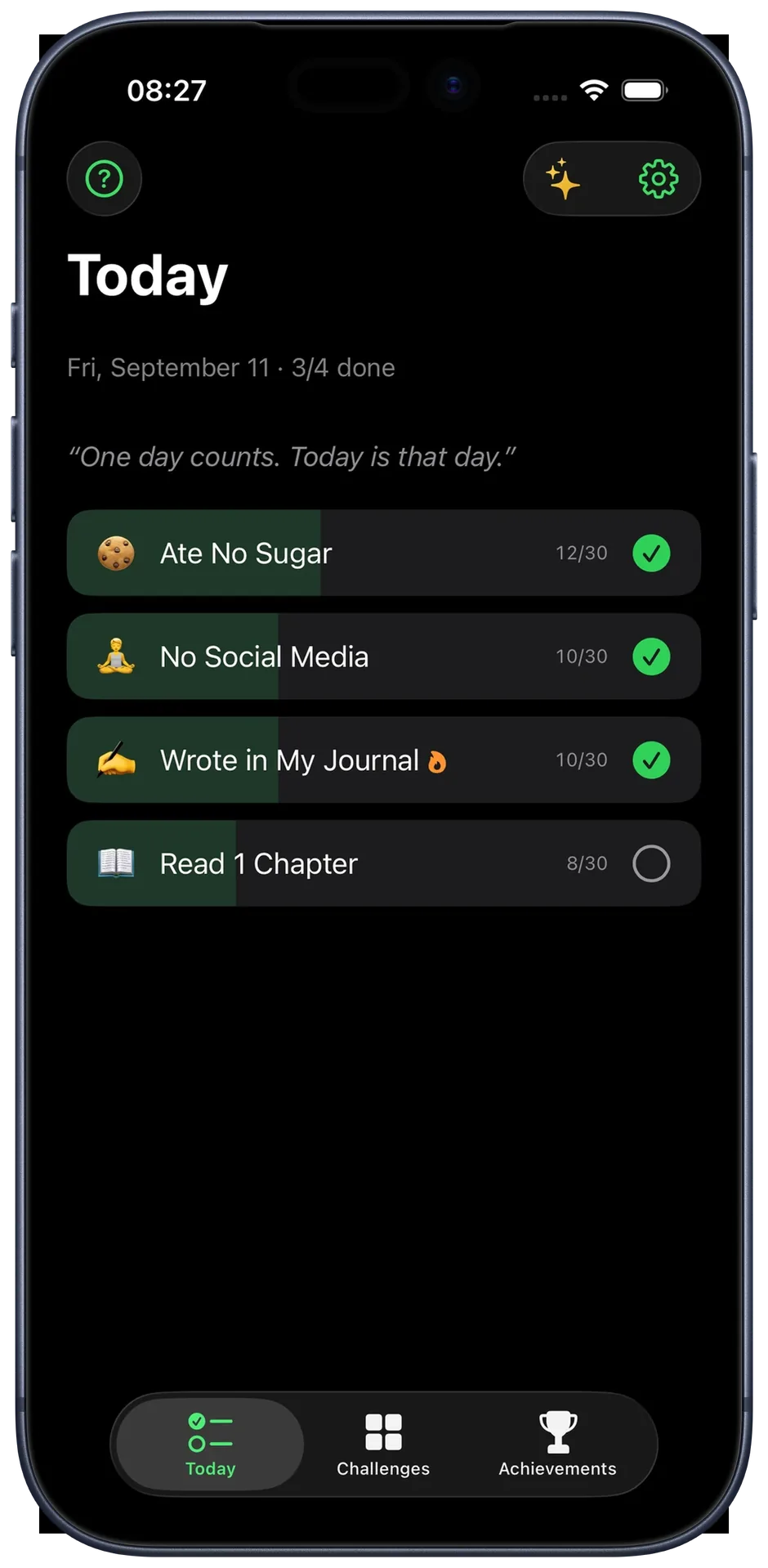
One goal. 30 days. One tap a day.
Pick a goal, you've got 30 days. Get it done for the day, tap once, that's it. Doesn't sound like much, but after 30 days you'll be further than you thought.
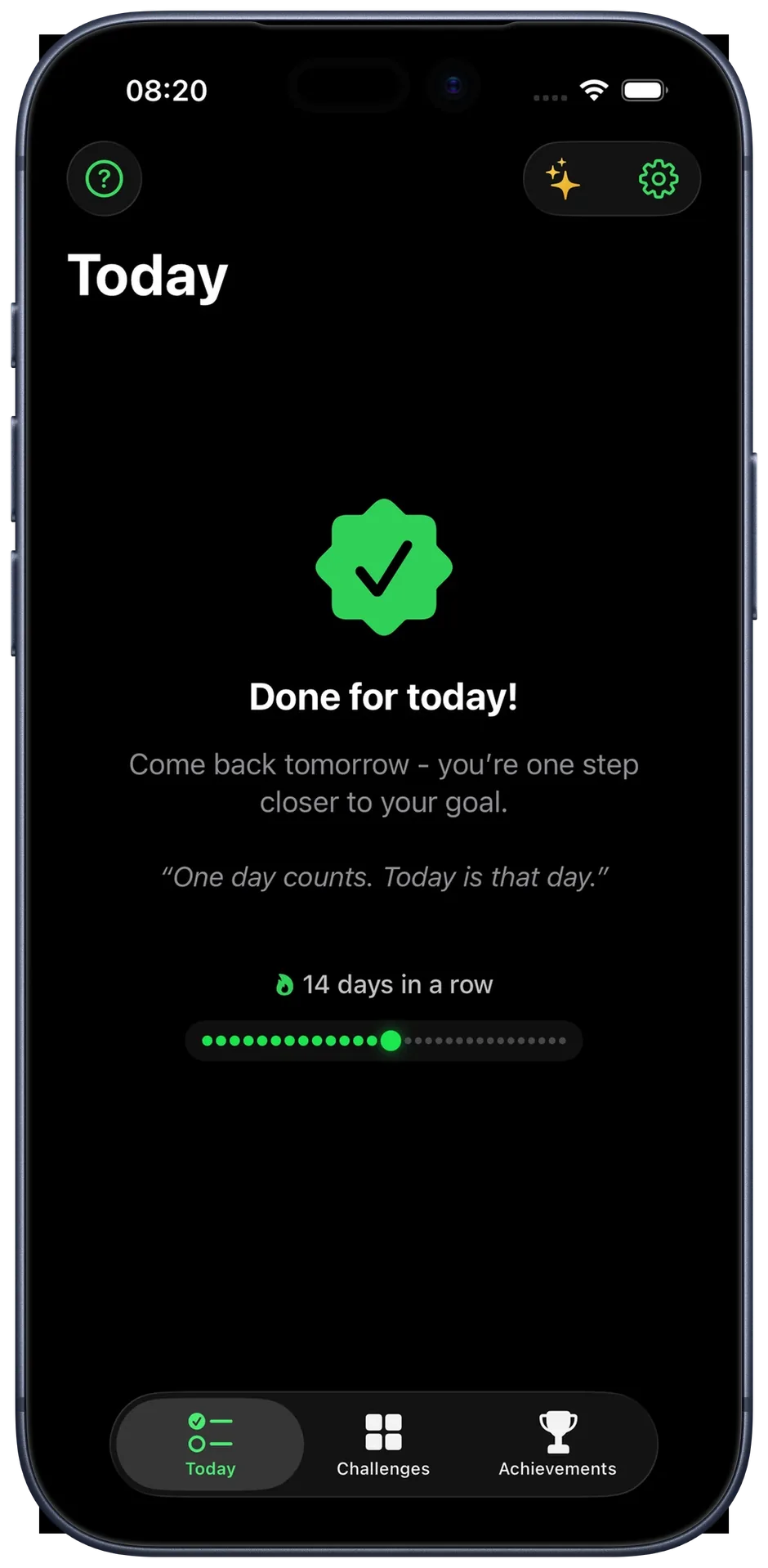
You don't want to break the streak
Every day you complete makes your streak grow. And the longer it gets, the harder it is to stop.
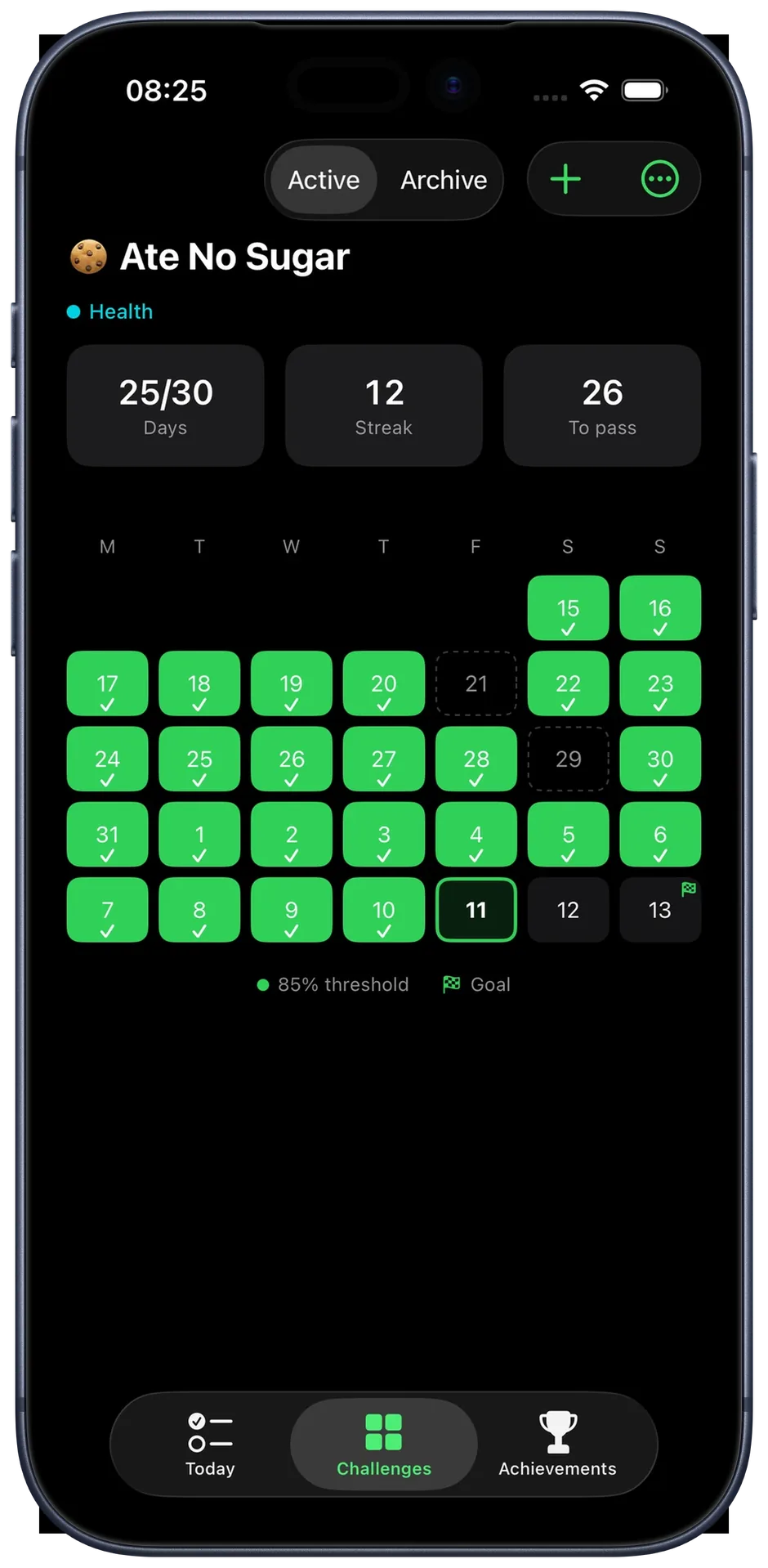
Your challenge, laid out clearly.
The calendar view shows completed days and your current streak, and marks missed days clearly. One or two isolated missed days are fine, just not two in a row.
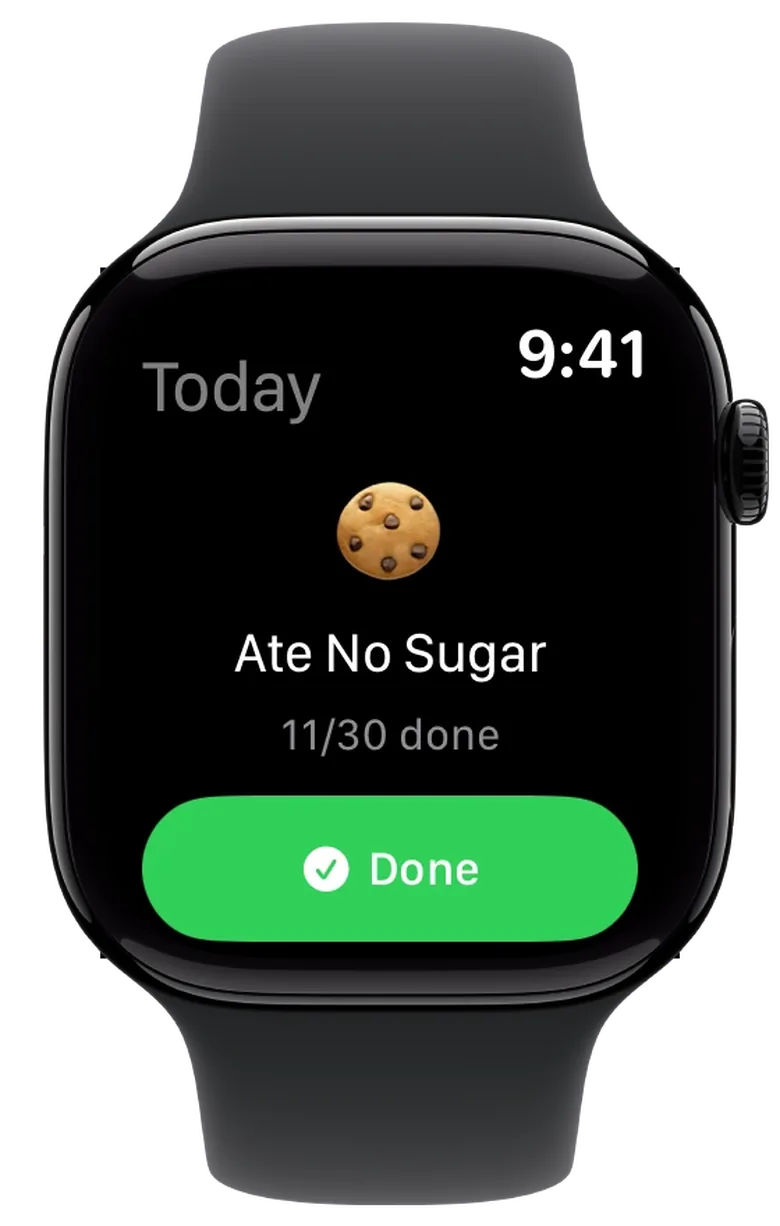
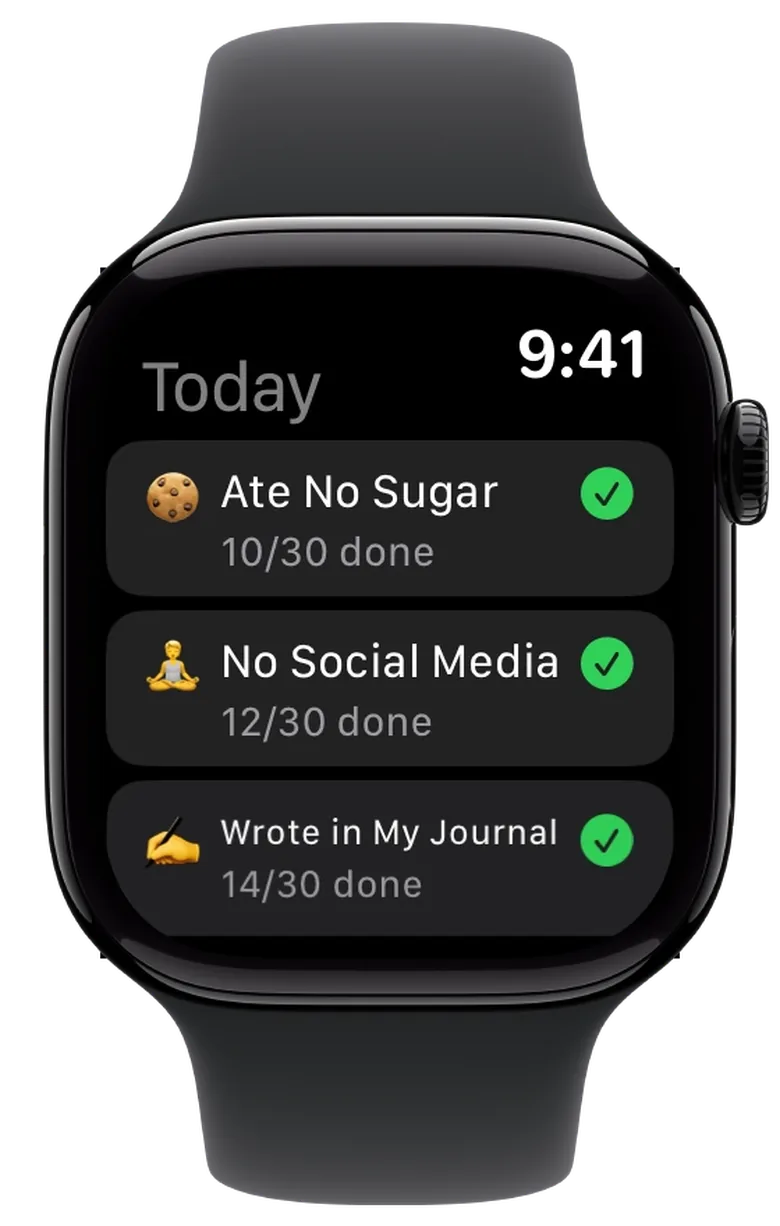
Check off without reaching for your phone.
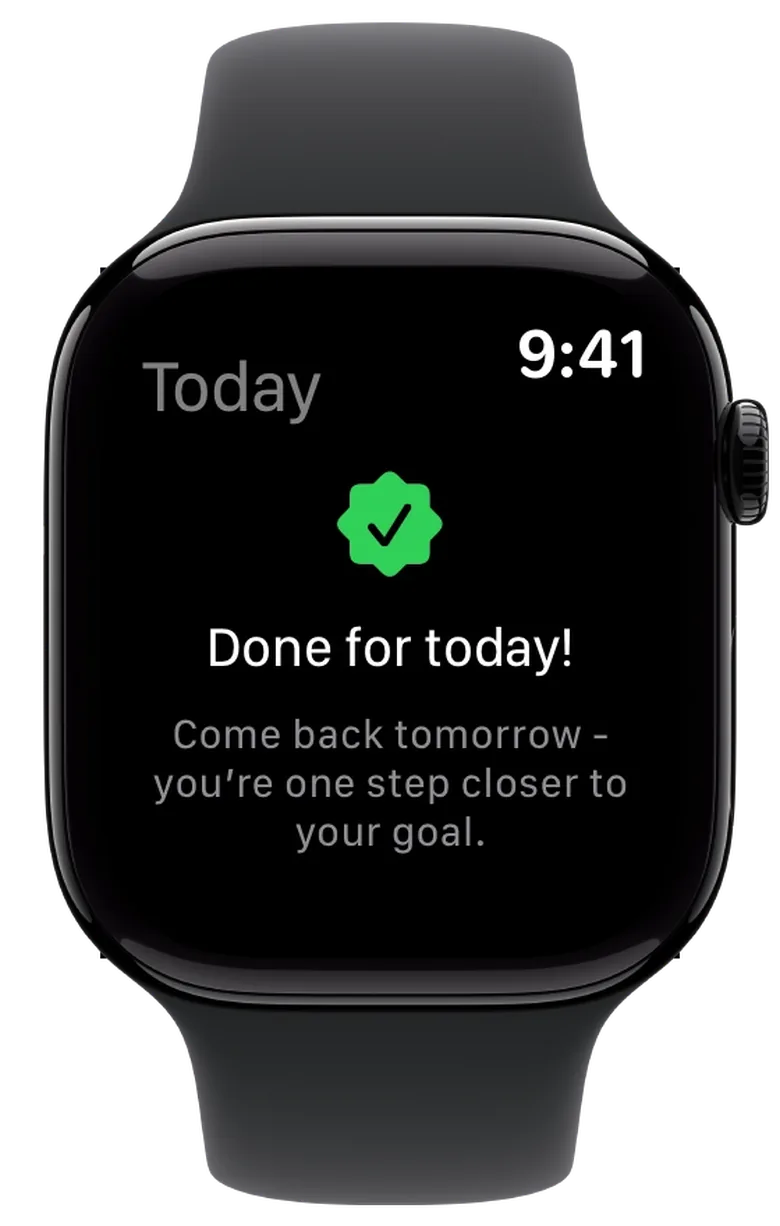
One tap on the watch, that is all it takes. If several challenges are running, they sit there one below the other. And once the day is done, the watch tells you so.
There is also a complication for your watch face that keeps your progress in view.
You don't even have to open the app.
The home screen widgets show your progress and let you check off right there, no need to open the app.
And that's not all.
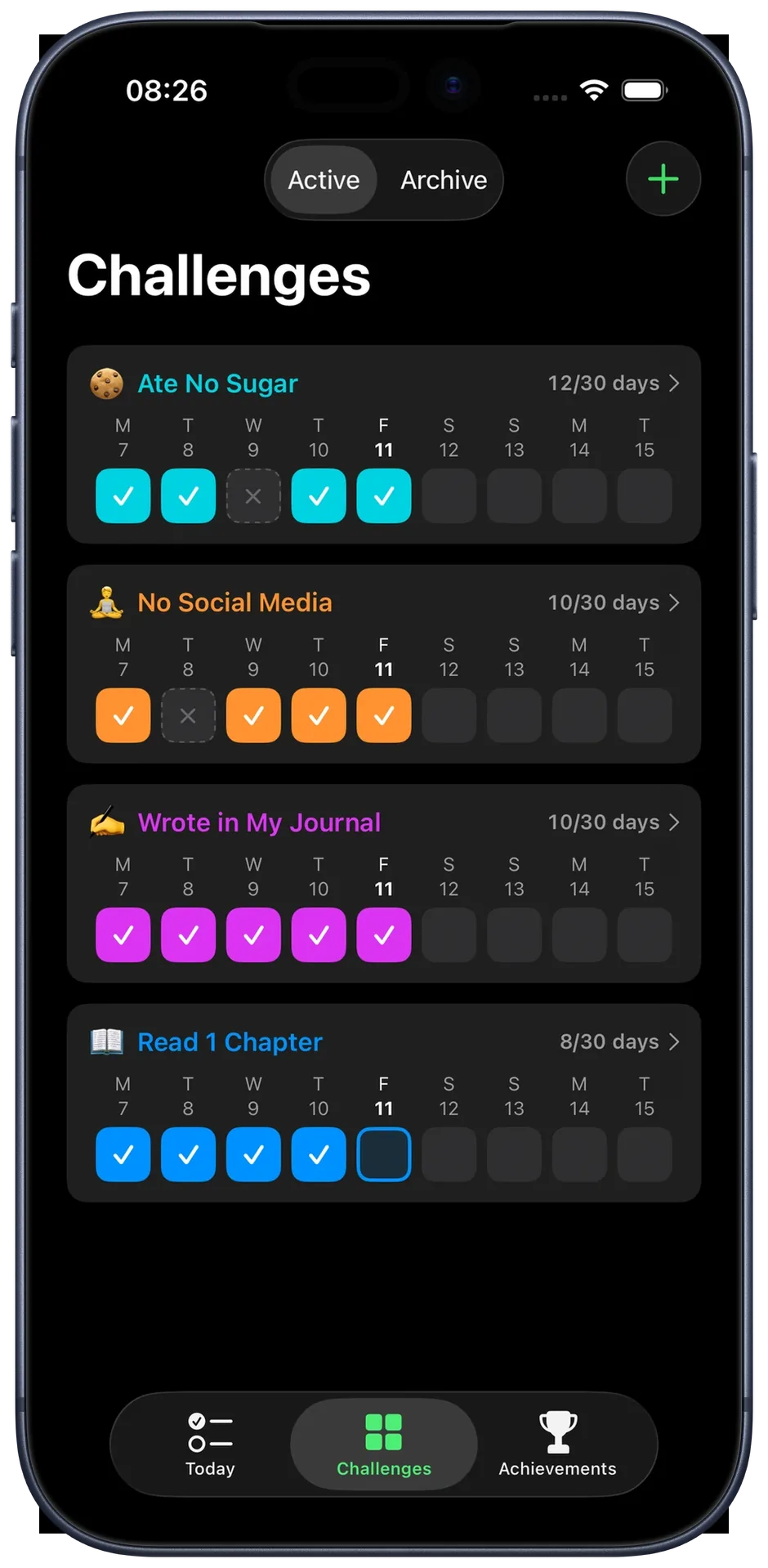
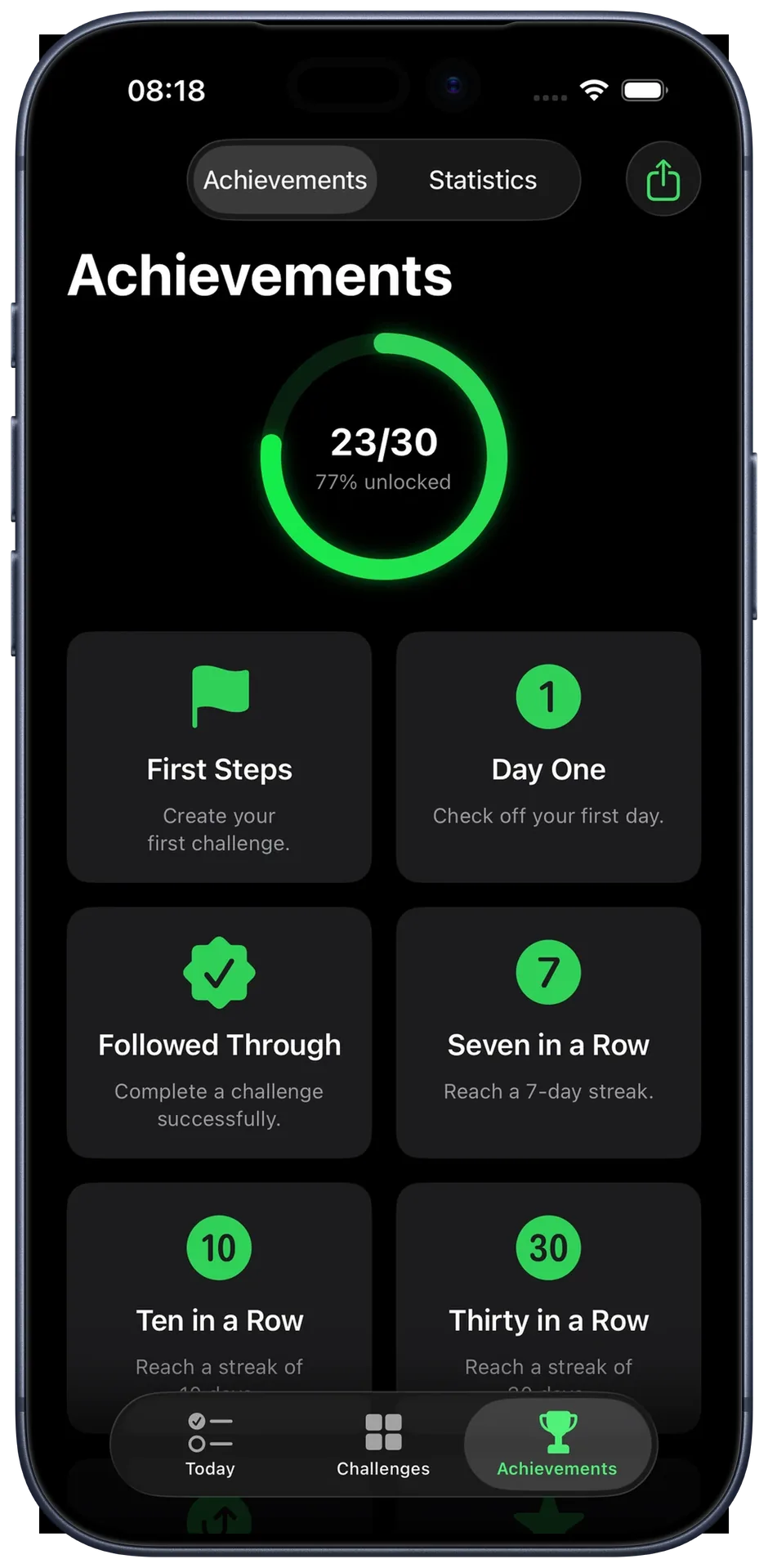
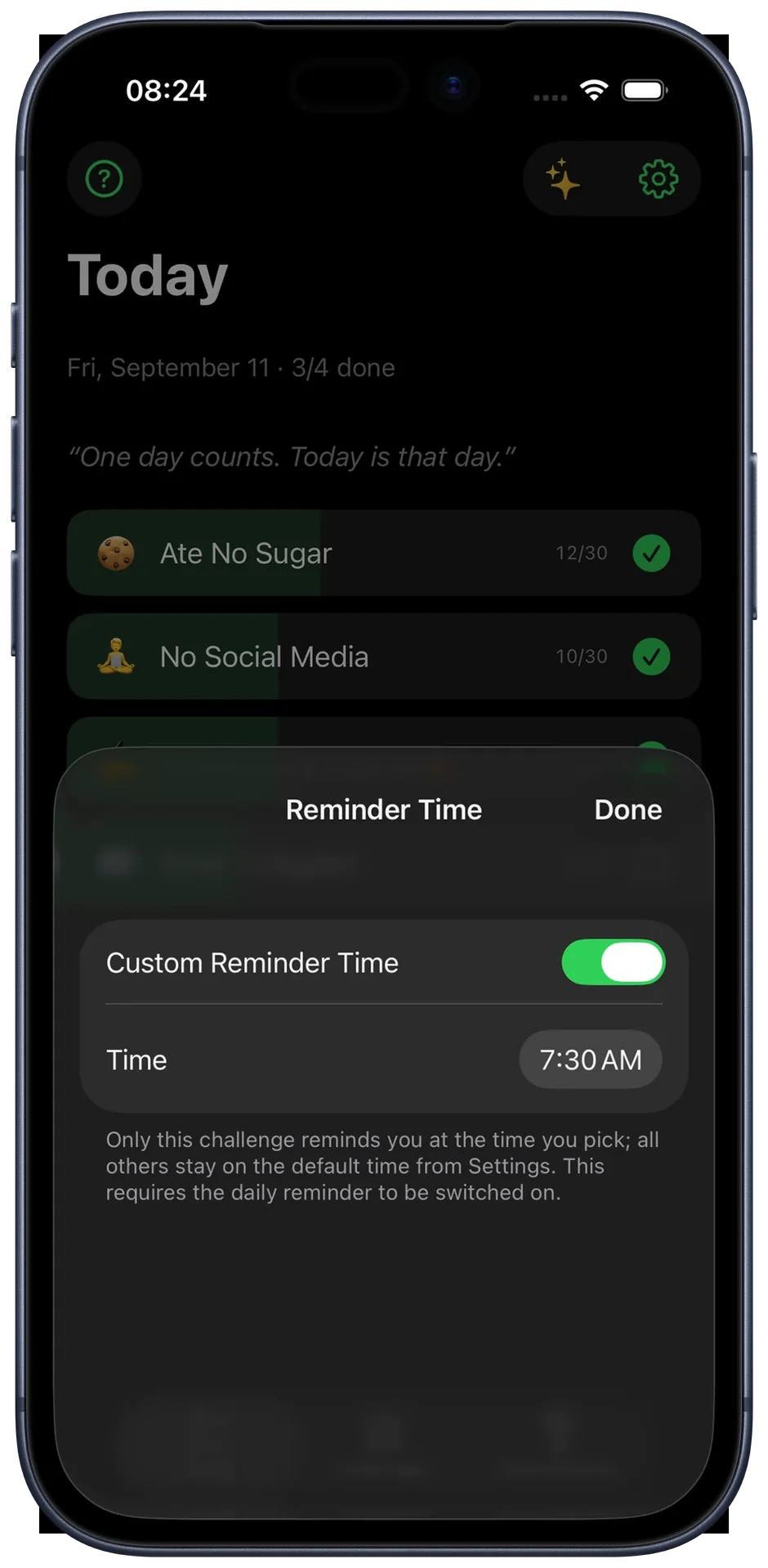
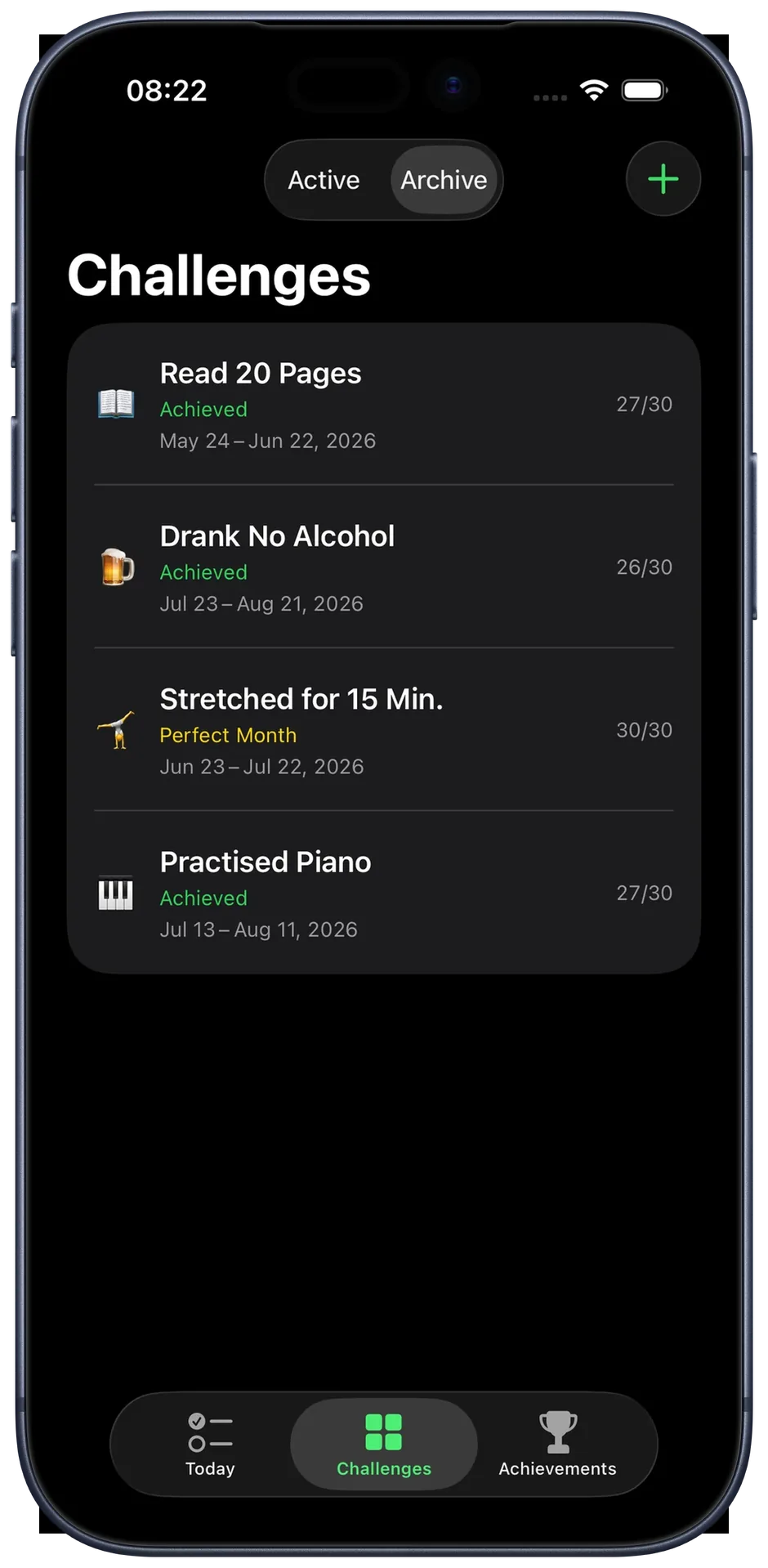
One goal a month, twelve a year.
A goal for the whole year often feels too far off, so you never really start. A small challenge each day makes it feel close enough: 30 small actions, and you can feel yourself getting closer to what you actually want. Next month you keep going or pick something new, whatever you feel like. Why that beats a New Year's resolution →
And if you are taking on the dark half of the year: a Winter Arc is exactly three of these months, October to New Year's Eve.
Looking for a challenge idea?
The app has eight categories of templates ready, just pick one.
Or your own. Still undecided? 72 challenge ideas with reasoning.
“Every day you complete is a promise to yourself.”
Day 6 of 30
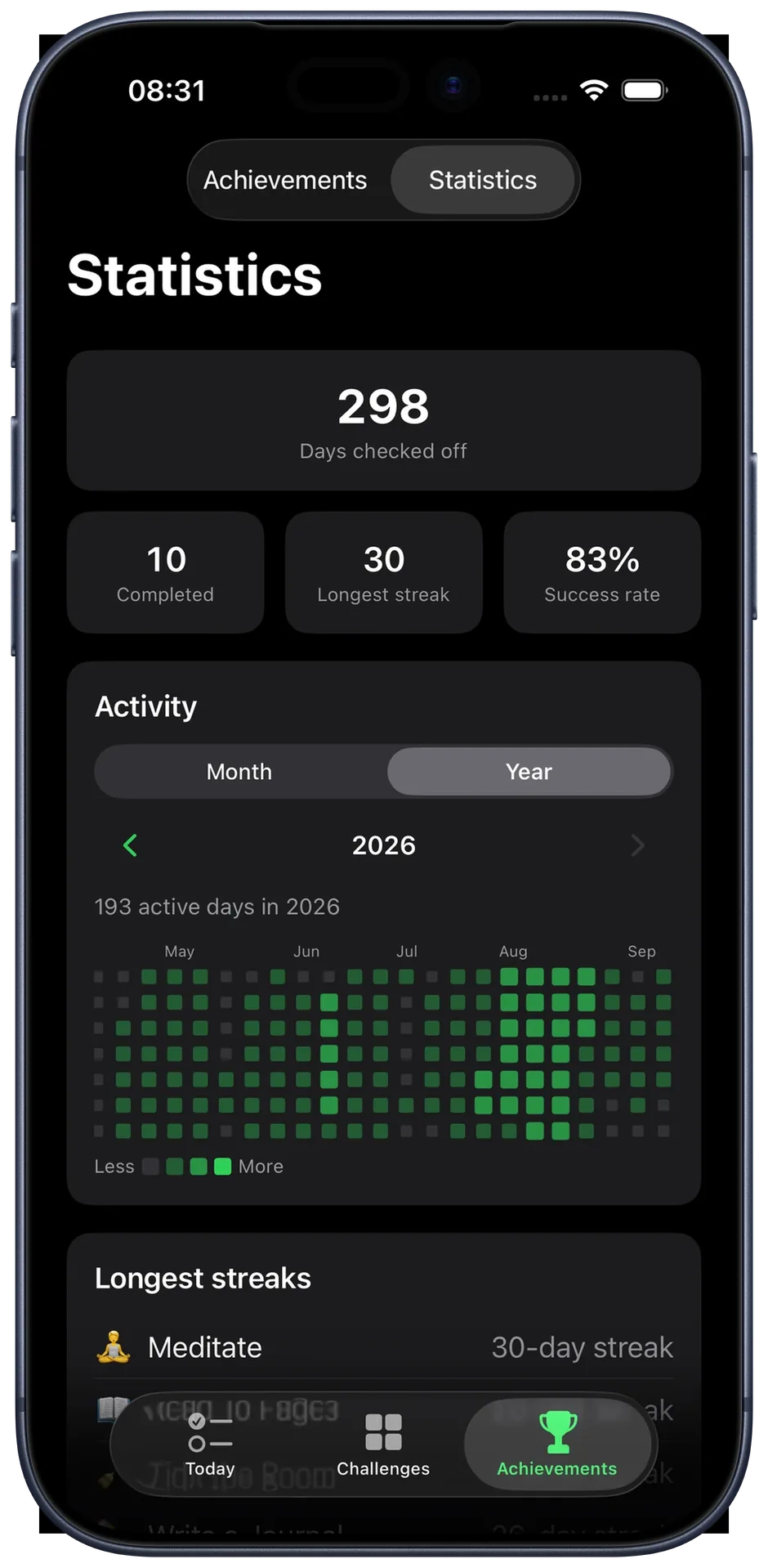
Your year, day by day.
The statistics show what has come together over the months: days checked off, longest streaks, success rate. In the year view every day gets its own little square, and after a few months you can see how your year actually went.
Plus, you get all this.
Before you download
How is my data handled?
Everything stays on your device. There are no servers, no accounts, and nothing is sent anywhere. No analytics, no tracking, no ads. See the full Privacy Policy for details.
What does 12 Challenges cost?
The core features are free forever: creating and checking off challenges, iCloud sync and the home screen widget. No subscription, no ads, no account. An optional, one-time Pro upgrade unlocks the Apple Watch app, statistics, and the full archive.
Is my challenge over after a missed day?
No. A challenge doesn't have to go perfectly: it already counts as achieved at 26 out of 30 days, so four missed days are built in. Miss a day and you can still add it the next one, but no further back than that. Every single day counts only in the No Exceptions mode, for anyone who deliberately wants to start without a safety net.
Start today.
Free to download. No ads. No account.